Existing Lextree customer? Your upgrade is ready when you are. Log in and get support here as usual until you upgrade to the new Lextree at lextree.ai. What this means for you →
Jurisdiction ReportEntity Management
Updated:
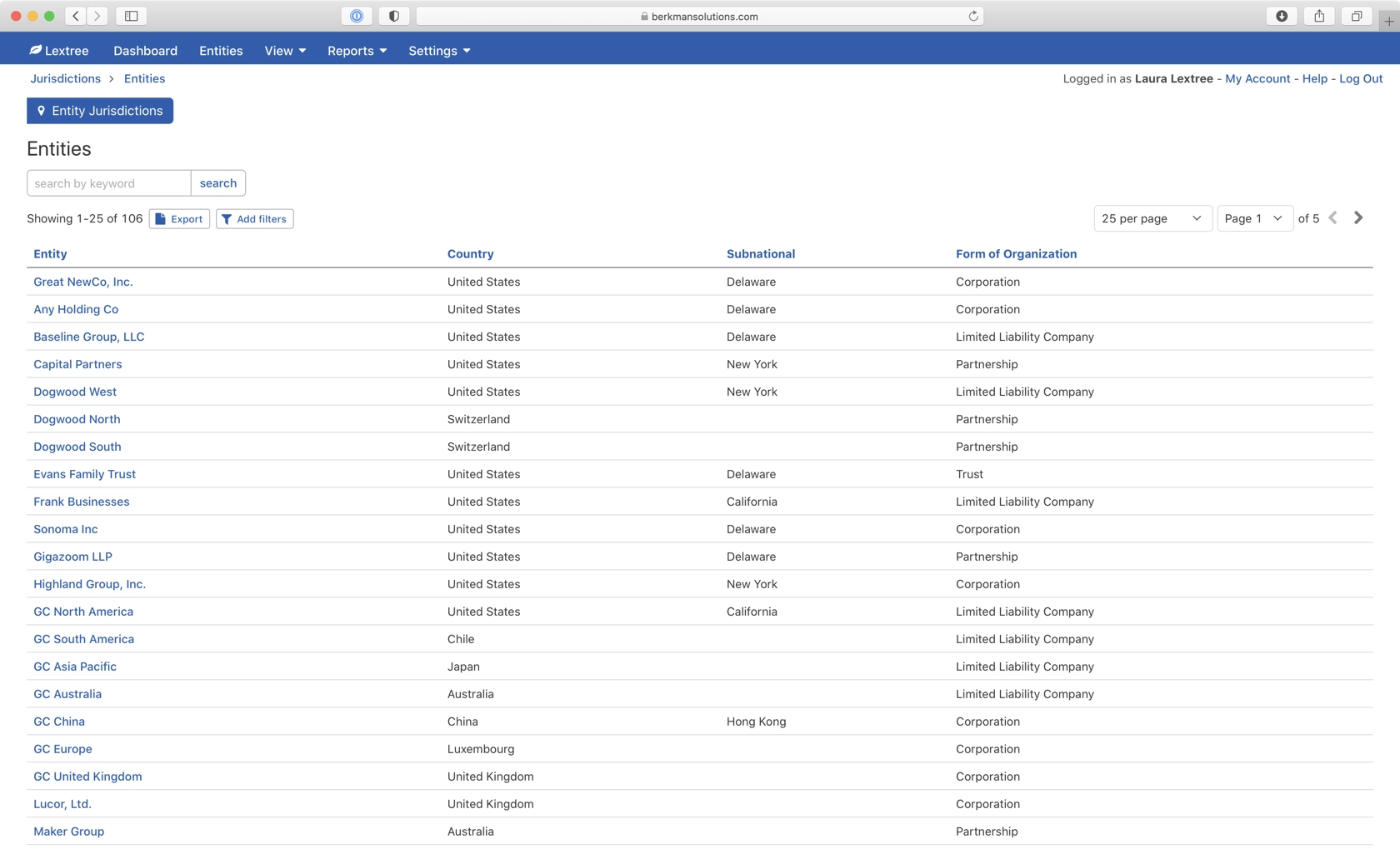
You can generate a compliance filing report for all jurisdictions in which a legal entity does business.
To access the report, navigate to Reports > Jurisdictions.
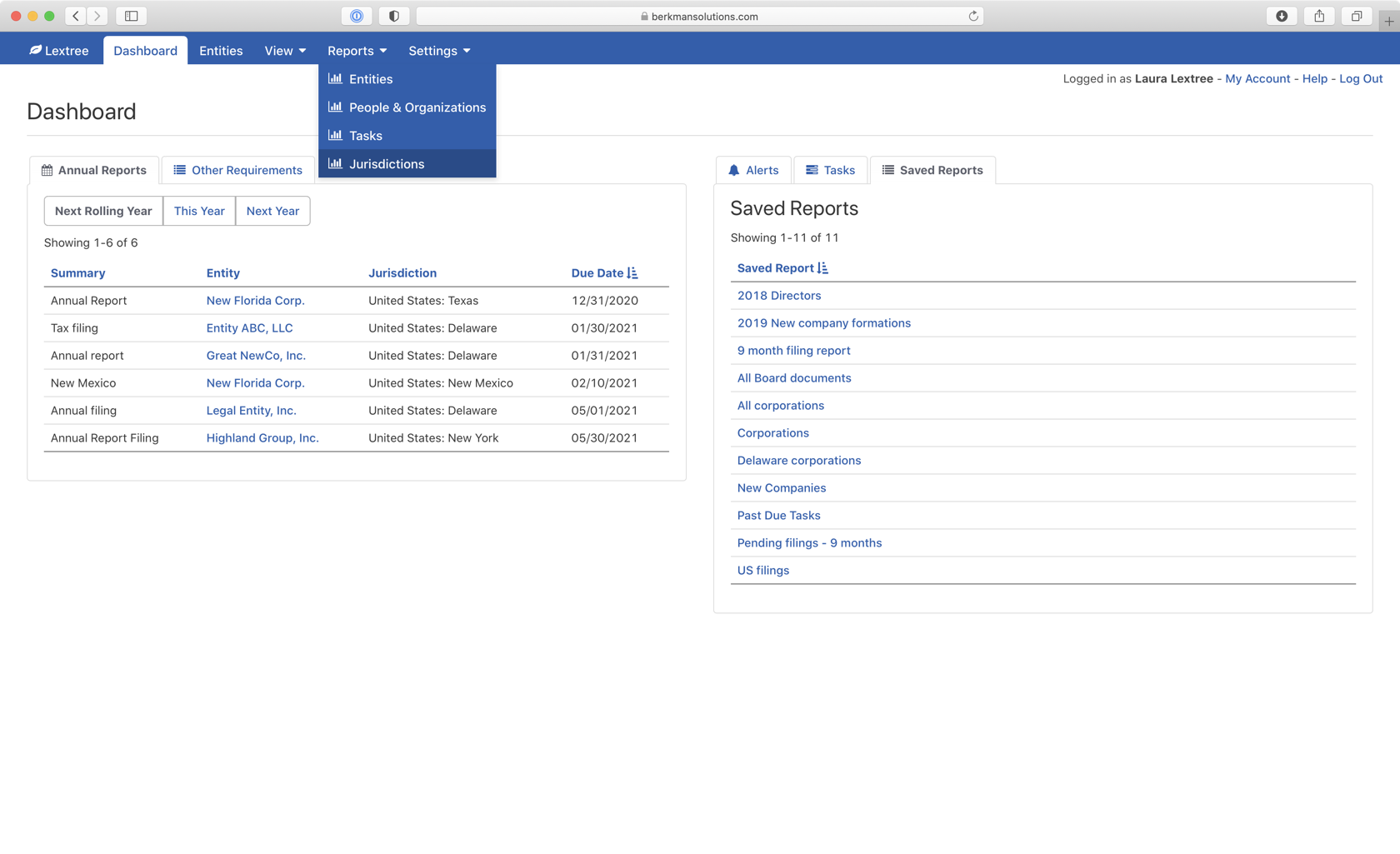
The Entity Jurisdictions page will display all legal entities in your corporate registry.
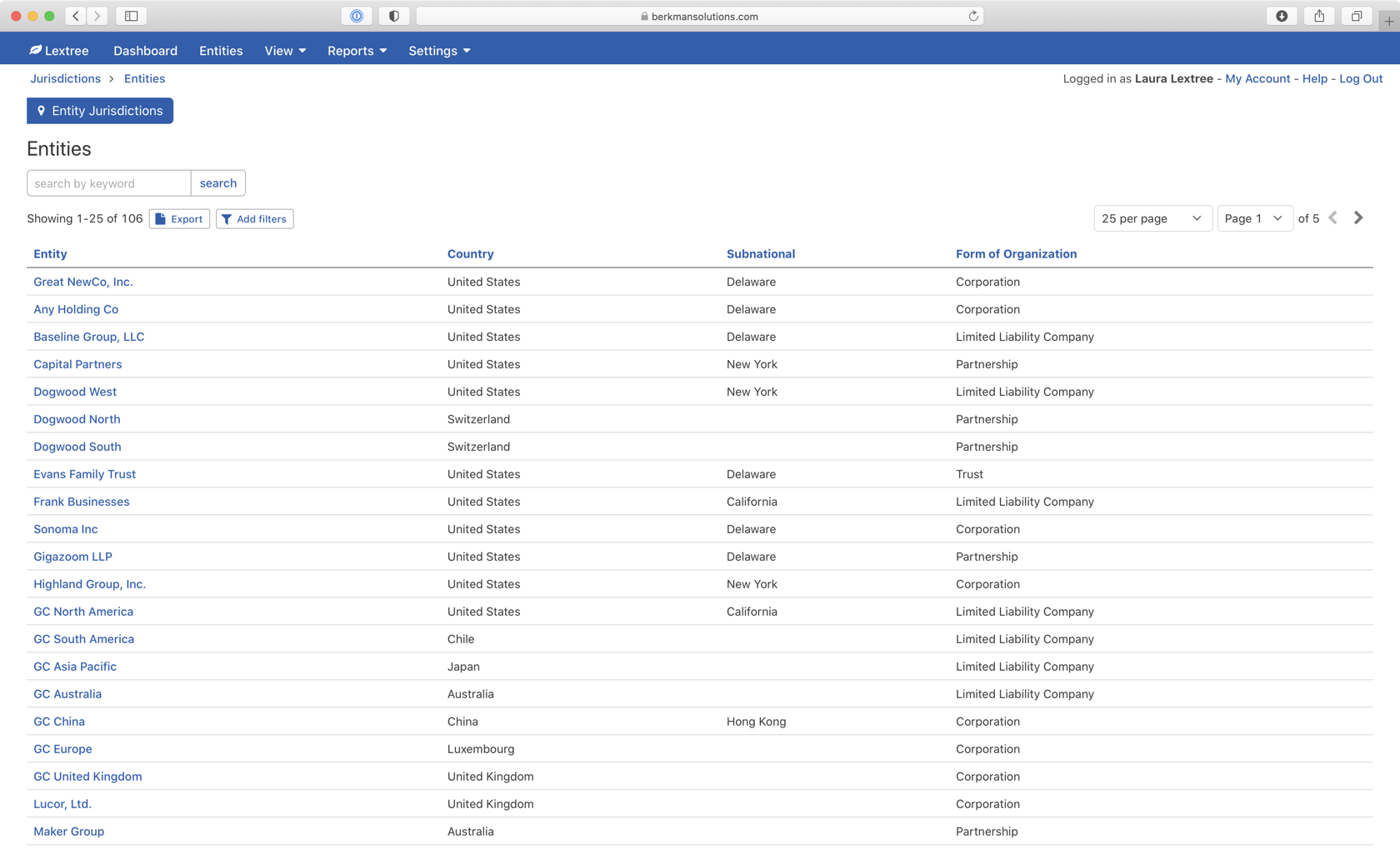
Simply select the entity you want to access. Lextree will display all the compliance requirements for each jurisdiction.
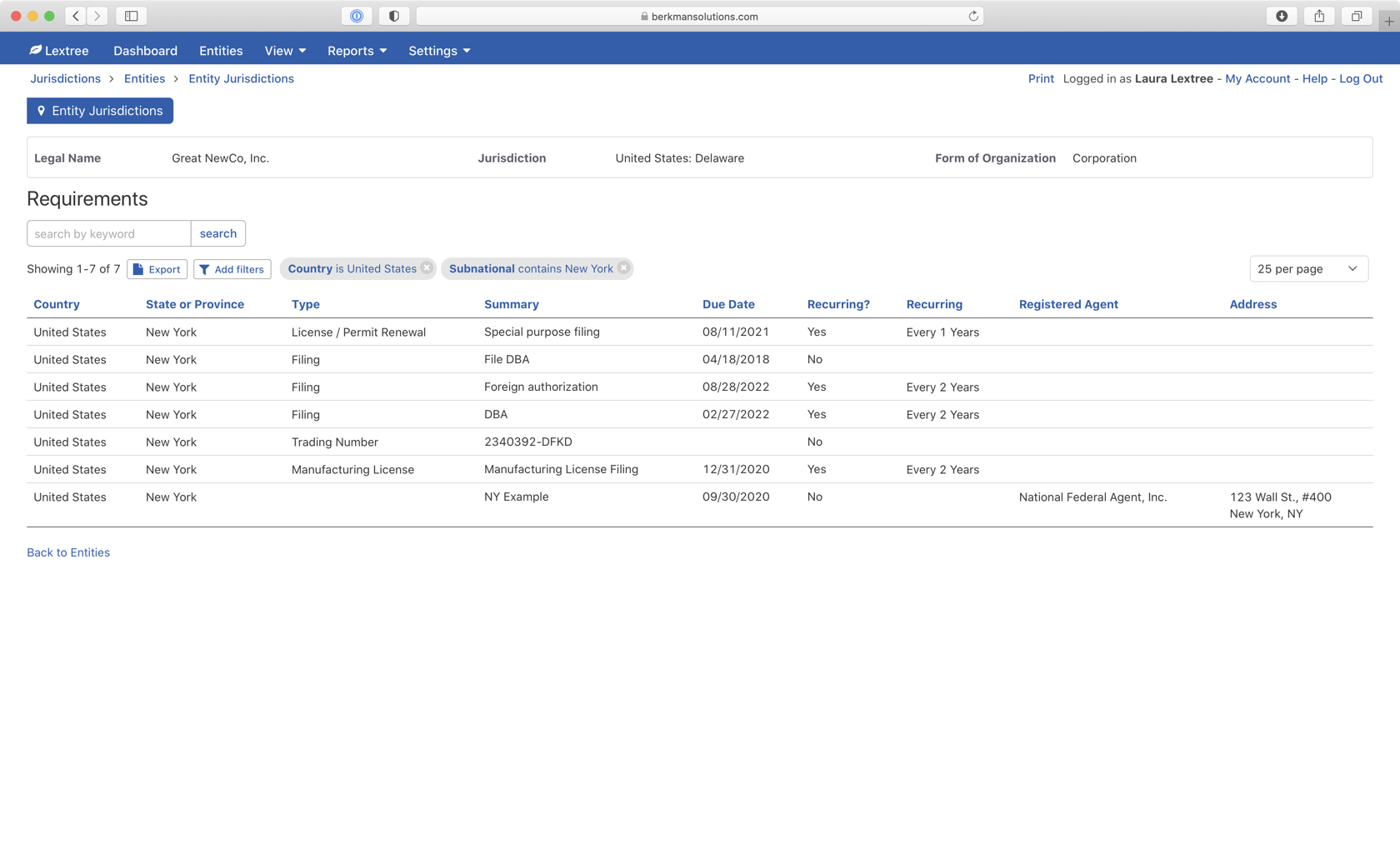
This example shows the compliance requirements for Great NewCo, Inc. using the filter to focus on filings in New York in the United States.
The filter is a standard feature of Lextree reports. Like all reports you can export and print the report.