Reset Passwords; Update AccountsContract Management
Updated:
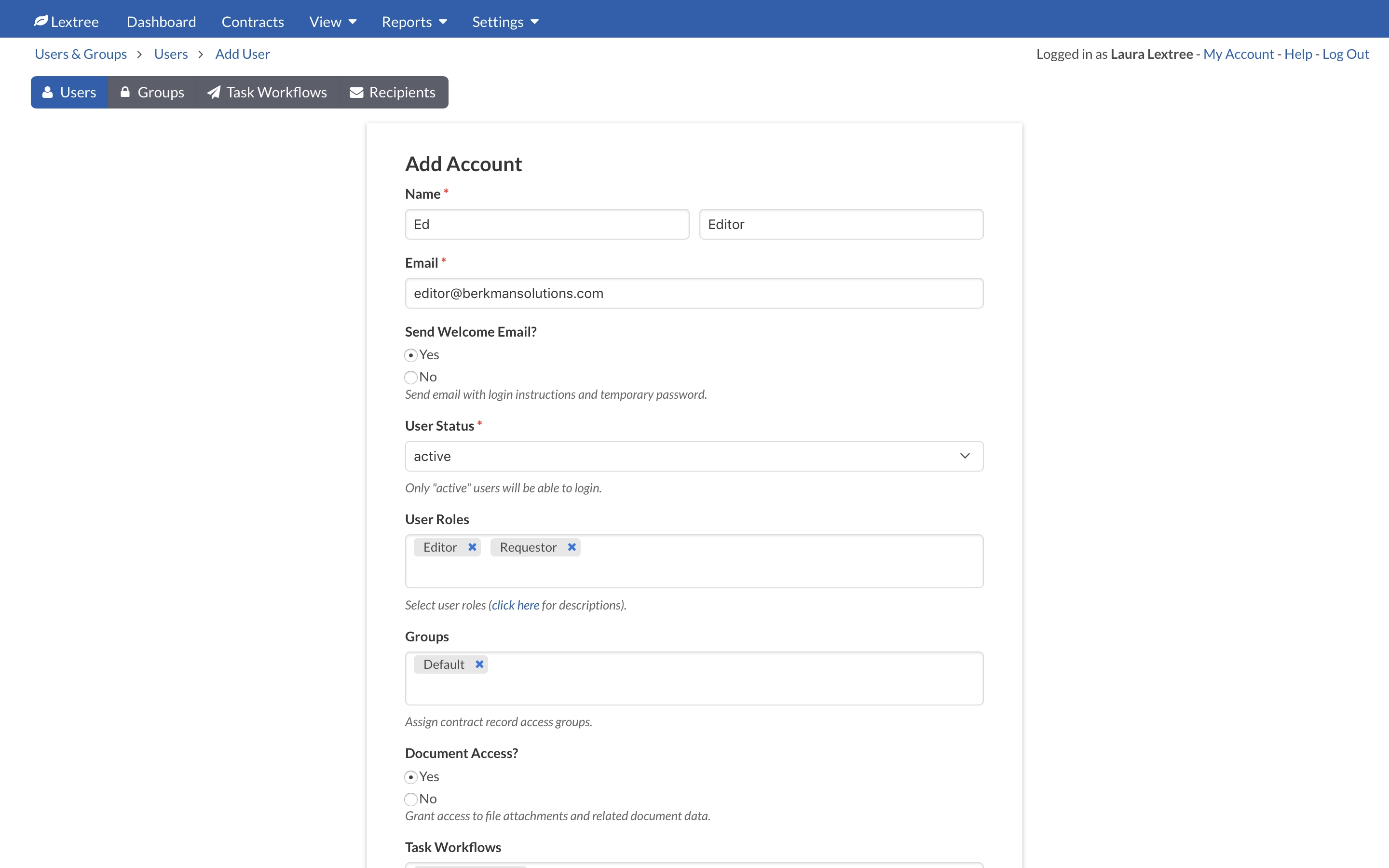
Users can reset their own passwords on the login screen by clicking the forgot? link next to the password field. In addition, Admin users can reset user passwords at Settings > Users & Groups on the Users tab. To reset a user password, an Admin user may do the following on the Users tab:
- Click on the user’s name to update their account settings.
- Select
YesunderReset Password & Send Welcome Email?. - Click
Submitto send the user an email with a new password and login instructions.
Admin users can update user account settings at Settings > Users & Groups on the Users tab by doing the following:
- Click on the user’s name to update their account settings.
- Update the desired settings.
- Click
Submit.
NOTE: Users logged into Lextree when changes are made to their account settings may need to refresh their browsers for the changes to take effect.